-for-smarter-ai-systems-cover-f9d52c28.png)
Model Context Protocol (MCP) is a structured way to build intelligent AI agents - think of it as the answer to “what is MCP” in the simplest terms. It enables agents to plan, execute, and remember, turning isolated prompts into coordinated, goal-driven behavior. It enables LLMs to work with memory, external tools, and a task-oriented planner, making them far more capable than traditional one-shot completions.
This shift unlocks powerful applications from debugging code to orchestrating workflows, all through agents that follow a repeatable, context-aware protocol. (We talk more about them with Cursor and Figma examples in the Use Cases section later in the blog.)
As companies explore practical ways to implement such systems, our work in engineering reliable AI foundations shows how MCP fits into real-world development. In this blog, we’ll show you how MCP works, where it fits, and how to build your own lightweight MCP server to get started.
Model Context Protocol: When and Why You Should Use It
You don’t start a project thinking, “I need a Model Context Protocol.” But if your agents are hallucinating instructions, struggling to coordinate tools, breaking under scale, or falling apart as tasks get more complex, you’ve already hit the limits of plain LLMs.
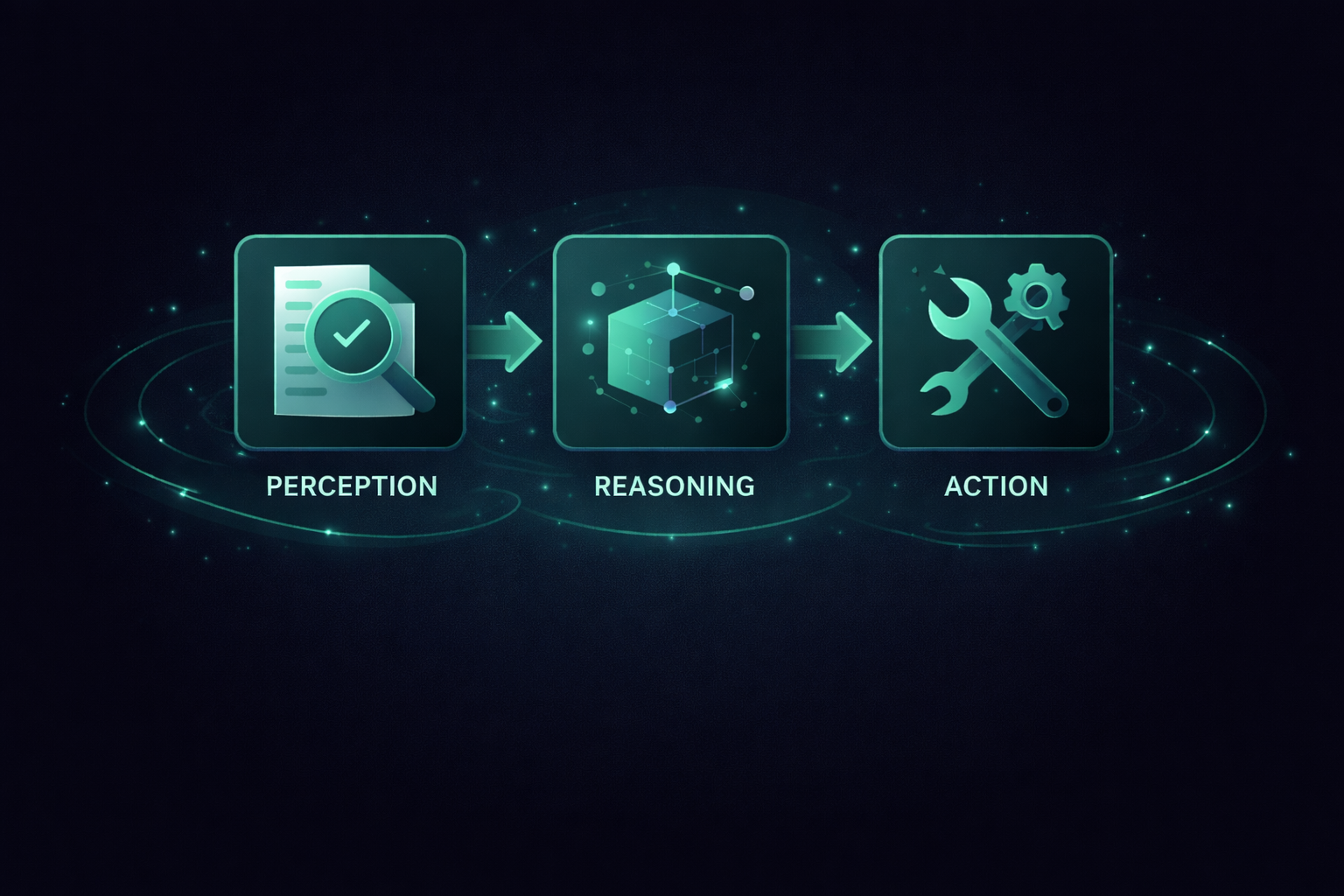
MCP introduces structure and continuity using the standard loop of plan, execute, remember, and refine, enabling agents to work more like systems than scripts.
This becomes essential when:
- You’re debugging code or converting designs into UI using agent-driven workflows (see examples below).
- Running automated support workflows
- Building research assistants who plan, search, and summarize
MCP doesn’t just upgrade what LLMs can do - it unlocks AI systems that behave more like teammates than tools. If your agent feels brittle or overly manual, MCP gives it structure, memory, and coordinated execution.
MCP: The "USB-C" for AI Tools
Think of MCP as the USB-C standard for AI agents. It defines how LLMs discover, describe, and invoke external tools, all through a predictable, pluggable interface. This removes the ambiguity and mess of bespoke prompt chaining and gives developers a standard for building interoperable, secure, and scalable agents.
"You don’t have to reinvent how agents talk to tools. MCP defines the port, the protocol, and the permissions."
The official MCP specification provides full details on these standards. This vision of plug-and-play AI tooling is already drawing adoption from OpenAI, Google DeepMind, Sourcegraph, and others.
Breaking Down MCP: How It Powers Context-Aware, Tool-Integrated AI Systems
This section breaks down the MCP architecture, gives you a mental model through a visual diagram, and shows how real systems like Cursor MCP apply this in production.
The 4 Building Blocks of MCP
At the heart of MCP is a feedback loop between four tightly connected components:
- Planner – Breaks down high-level goals into actionable steps. This initiates structured reasoning.
- Executor – Carries out each step using tools, APIs, or follow-up prompts. It’s the agent’s action layer.
- Memory – Stores state, tool outputs, and previous interactions, enabling learning and continuity.
- Model (LLM) – Interprets goals, makes decisions, and refines the process with every iteration.
Together, these components form the core of any agentic system built using the Model Context Protocol.
Architecture Diagram
mermaid

flowchart TD
  A[User Goal] --> B[Planner]
  B --> C[Executor]
  C --> D[Tools / APIs]
  D --> E[Memory Store]
  E <--> F[LLM / Model]
  F --> B
This loop enables agents to reason, act, remember, and refine instead of building from ground zero every time.
MCP Lifecycle: From Setup to Scale
The official MCP paper breaks the agent lifecycle into three stages: creation, operation, and update, giving us the MCP architecture explained in practice. Each stage introduces unique challenges and security implications:
- Creation Phase: Define tool interfaces, register prompt formats, and authenticate agents.
- Operation Phase: Ensure safe tool execution, maintain memory hygiene, and validate model behavior.
Update Phase
: Handle new tool versions, track prompt template changes, and manage rollback protocols.
Code Snapshot: Planner & Executor in Action
Here’s a minimal example you might use during an MCP server setup to connect planning and execution.
vbnet

[User Goal (string)]
        |
        v
[Planner Function]
  - Prompt LLM: "Break this down into 3 steps"
        |
        v
[LLM Response (steps[])]
        |
        v
[Executor Function]
  ┌───────────────────────────────┐
  │ For each step in steps[]:     │
  │   1. Choose appropriate tool  │
  │   2. Run tool on step         │
  │   3. Save step & result to memory │
  └───────────────────────────────┘
This mirrors the standard MCP loop - plan, execute, remember, refine - as seen in CrewAI or LangGraph frameworks.
Beyond Solo Agents: Coordinated Context and Multi-Agent Workflows
MCP also supports multi-agent workflows that share context and collaborate using the same core loop: plan, execute, remember, refine.
- Teams of agents working on shared goals (e.g., designer + QA + backend engineer).
- Context-sharing across sessions (e.g., a research agent handing off to a summarizer).
- Scalable orchestration for long-running tasks (e.g., incident triage, multi-step PR reviews).
This expands what’s possible: from command-line copilots to full collaborative assistants. It also shows the difference between MCP vs traditional prompting, where structure and memory make the agent more reliable.
MCP Tools & Real-World Use Cases
You don’t need to build an MCP server from scratch. The following tools and frameworks let you explore MCP principles today and they’re already powering real-world systems through some of the most practical MCP use cases.
1. LangGraph
GitHub: langchain-ai/langgraph
Define agent workflows as graphs with full control over steps and memory.
Use it for: Research assistants, multi-agent pipelines, complex task orchestration.
2. CrewAI
GitHub: joaomdmoura/crewai
Build agents with defined roles (e.g., developer, analyst) coordinated by a central planner.
Use it for: Collaborative workflows with reusable roles and logic.
3. AutoGen (Microsoft)
GitHub: microsoft/autogen
Facilitates agent-to-agent negotiation and long-running task coordination.
Use it for: Iterative research agents, copilots, and multi-model systems.
4. Cursor MCP
Website: cursor.sh
Developer IDE powered by agents that refactor, search, and debug using memory and structured planning.
In practice: Accelerates code fixes by interpreting errors, suggesting solutions, and applying changes automatically.
5. Figma MCP
Turns Figma files into responsive React/Vue/Tailwind code via design-aware planners and UI component generators.
In practice: Automates 40–50% of frontend handoff from design to code.
6. Customer Support Agents
Built using MCP to classify tickets, answer FAQs, and escalate edge cases with context awareness.
In practice: Connects with tools like Zendesk or Notion to improve speed and consistency.
7. AI Research Assistants
MCP-driven agents that explore technical topics, summarize papers, and store findings.
In practice: Operate like junior analysts—searching, filtering, and synthesizing without constant prompts.
8. DevOps Assistants
Monitor logs, triage incidents, and propose fixes based on historical context.
In practice: Reduce MTTR and on-call fatigue by making incident response smarter and faster.
9. GitHub MCP Server (DIY)
Build internal agents that review PRs, flag risks, or enforce conventions using GitHub APIs.
In practice: Acts as an intelligent layer inside CI/CD or internal developer portals.
Build Your First Model Context Protocol (MCP) Agent with GitHub Integration
To help you understand the Model Context Protocol in action, I’ll walk through building a lightweight GitHub MCP server. This is a minimal, real-world example where an agent can fetch repositories for a GitHub user and retrieve basic stats using MCP to plan, execute, and handle tool calls.
1. Project Setup
Create a fresh project and initialize it:
bash
CopyEdit
mkdir github-mcp
cd github-mcp
npm init -y
npm pkg set type=module
This sets up a modern ES module-compatible Node.js project required for the MCP SDK and native import usage.
2. Install Dependencies
bash
CopyEdit
npm install @modelcontextprotocol/sdk @octokit/rest zod
@modelcontextprotocol/sdkis the official MCP SDK.@octokit/restis GitHub’s official API wrapper.Zodis included for schema validation (not shown here, but useful for production).
3. Create the MCP Server Logic
Here’s your basic MCP server script:
js

CopyEdit

// src/index.js

import { McpServer } from "@modelcontextprotocol/sdk/server/mcp.js";

import { StdioServerTransport } from "@modelcontextprotocol/sdk/server/stdio.js";

import { Octokit } from "@octokit/rest";

const octokit = new Octokit({

auth: process.env.GITHUB_TOKEN,

});

const server = new McpServer({

name: "GitHub MCP",

version: "1.0.0",

});

// Fetch limited stats for a user's repositories

async function getUserRepos(username) {

const repos = [];

let page = 1;

const maxPages = 2; // Limit for demo purposes

while (page <= maxPages) {

const { data } = await octokit.repos.listForUser({

username,

per_page: 30,

page,

});

if (data.length === 0) break;

const reposToProcess = data.slice(0, 5); // Limit depth per page

for (const repo of reposToProcess) {

const stats = await getRepoStats(username, repo.name); // hypothetical function

repos.push({ ...repo, stats });

}

page++;

}

return repos;

}

const transport = new StdioServerTransport();

await server.connect(transport);
You can extend this server with actions like listing issues, reviewing pull requests, or generating release notes - all agent-driven.
4. Configure the MCP Client
In your .mcp.config.json or similar MCP-compatible client file, link your server like this:
json

CopyEdit

{

"mcpServers": {

"GitHub MCP": {

"command": "node",

"args": ["/path/to/your/github-mcp/src/index.js"],

"env": {

"GITHUB_TOKEN": "your_github_token_here"

}

}

}

}
This allows an MCP client (like a planner-agent system or orchestration engine) to launch your GitHub MCP server securely and call actions like getUserRepos.
Whether you're building an internal platform tool, automating documentation workflows, or connecting it to a LangChain or CrewAI planner, this MCP server gives you a reusable building block.
Next Steps (if you want to expand this)
- Add a
getRepoStats()function that pulls issues, PRs, stars, forks, etc. - Build a planner that calls
getUserRepos()based on a user's intent - Add memory support to track historical repo queries
- Deploy the server with Docker or as part of a CI/CD toolchain
Is MCP Right for You? When to Use (and Avoid) Model Context Protocol
By now, you’ve seen what MCP is, how it works, and where it’s used in real-world systems. But here’s the truth: not every project needs an MCP server and not every agent is better just because it’s “stateful” or “planner-based.”
So before you dive in, let’s look at when MCP is worth adopting and when it might be overkill.
When MCP Does Make Sense
You should consider using MCP if:
- You're building multi-step workflows that require planning, memory, or follow-ups.
- Your agents need to retain context from past actions or user inputs.
- You're orchestrating multiple tools like GitHub, Slack, or Figma.
- You're building more than a chatbot - think copilots, assistants, or automation systems.
When MCP Might Be Overkill
Hold off on MCP if:
- You're still validating an idea or building a quick prototype.
- Your use case is single-turn (e.g., summarization, static Q&A).
- You don’t need external tool integration yet.
Wrapping Up: Key Insights and What to Explore Beyond MCP
The Model Context Protocol (MCP) isn’t just another buzzword in the AI space - it’s a response to a real engineering need: turning large language models into structured, reliable systems that can think, act, and adapt like capable assistants.
From developer tools to design automation and research workflows, MCP is showing up where LLMs alone fall short.
But here’s the catch: adopting MCP isn’t about jumping on a trend - it’s about knowing when you’ve outgrown single-prompt thinking and need architecture instead of improvisation.
If you found this post valuable, I’d love to hear your thoughts. Let’s connect and continue the conversation on LinkedIn.
Aniket Singh
SDE2
Aniket Singh is an SDE II at Procedure, working across Web2, Web3, and AI-driven systems. He has experience building and owning features across the frontend, backend, and cloud, collaborating with startups and global stakeholders.